Wind Client
A Minecraft launcher for Windows with every version, Modrinth mods and live servers built in
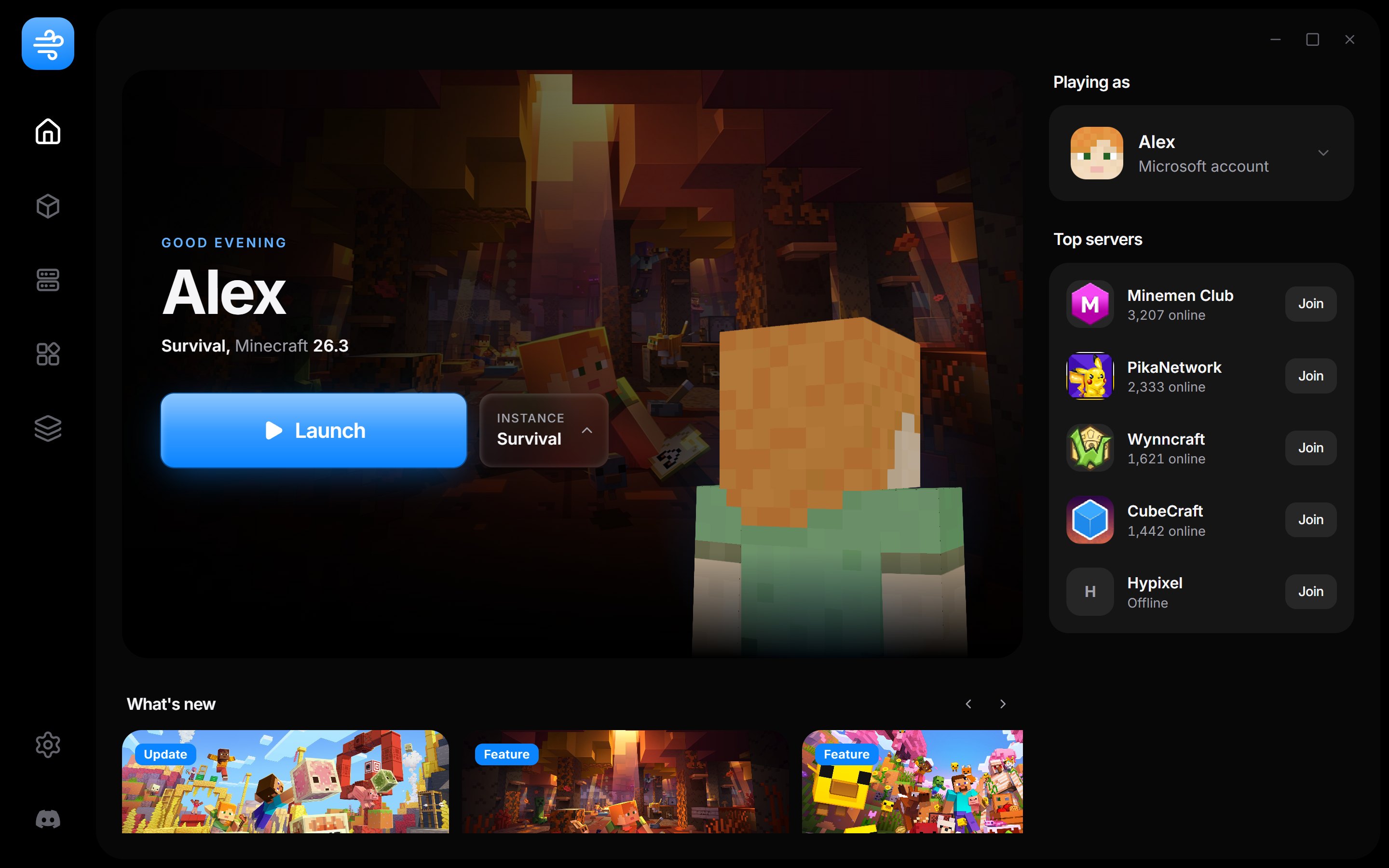
Every setup gets its own folder
Vanilla, Fabric and Forge, each with its own worlds, mods and settings. Switching between them is one click on Home
Coming from Prism, MultiMC or CurseForge? Bring your instances over as they are
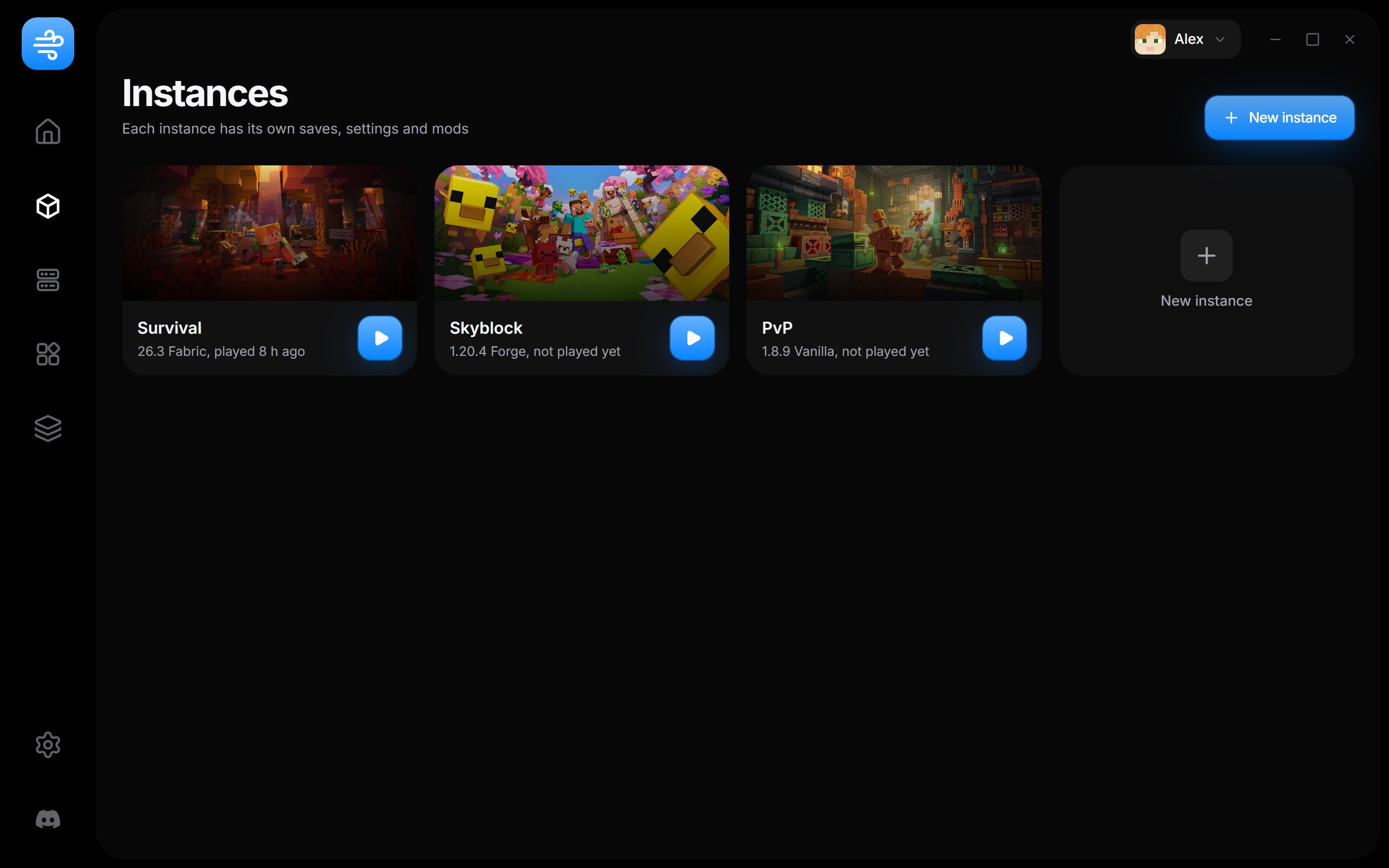
All of Modrinth, inside the launcher
Search mods, modpacks, shaders and resource packs. Pick an instance and Wind Client installs the right file, plus anything it needs to run
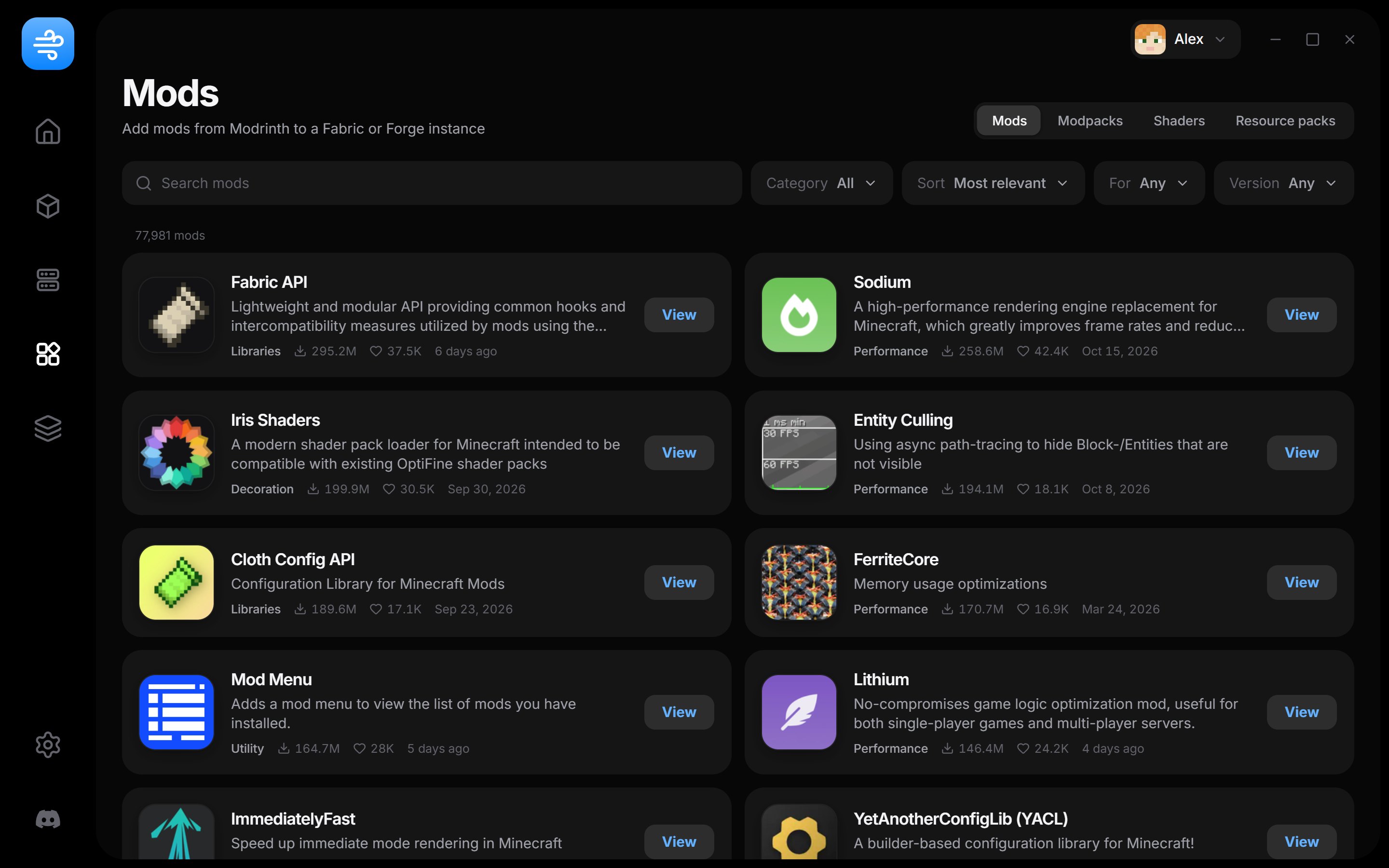
See who's online before you join
Player counts update live, the busiest servers sit on top and Join starts the right version for you
0 players on these servers right now
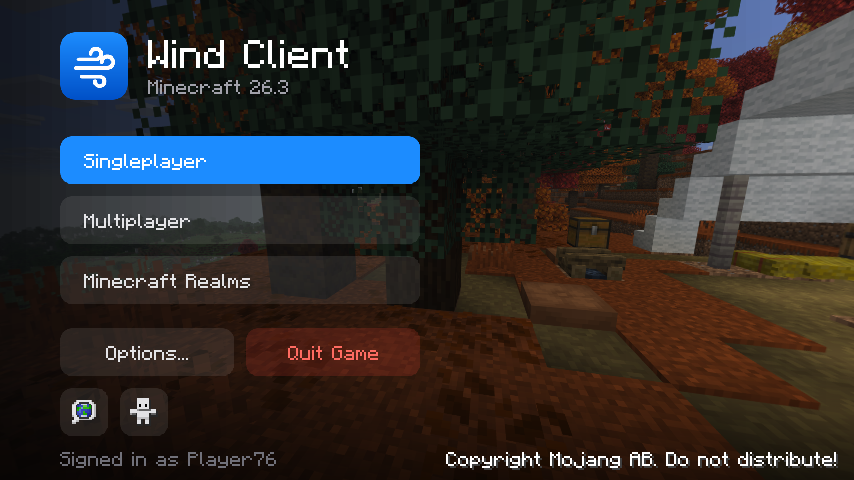
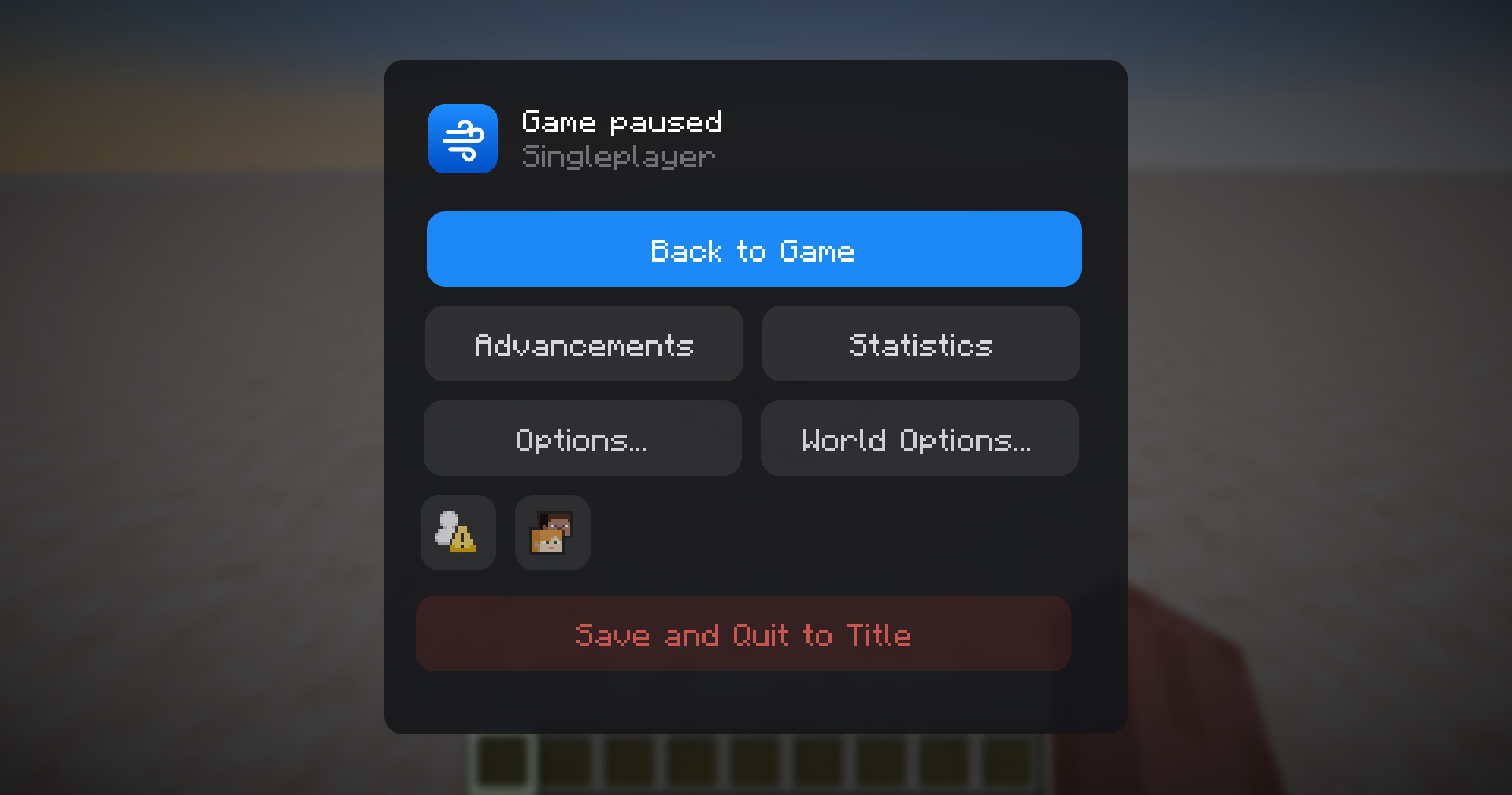
The menus get a refresh too
On Minecraft 26.3 the title screen and pause menu match the launcher, rounded and smooth, with nothing extra to install
Pick your colours
Six themes recolour the whole launcher. Tap one to try it on this page
Also in Wind Client
Game console
Watch the log while you play and see why a crash happened
Updates
New versions download in the background and install on the next restart
Discord status
Your profile shows the instance or server you're on and for how long
Lite mode
Turns off the 3D character and heavy effects on older PCs
Download Wind Client
Version 0.1.1 for Windows 10 and 11
The installer keeps itself up to date. Java is downloaded for you the first time you play
By downloading you agree to the Terms of Use and Privacy Policy. You need your own copy of Minecraft: Java Edition